South Hell Ending Guide: Keys, Crank Parts, and Escape
Reach the South Hell ending by finding four keys, handling the jammed exit, and locating crank parts. Learn how to stay alive and finish the school escape.
Jump to
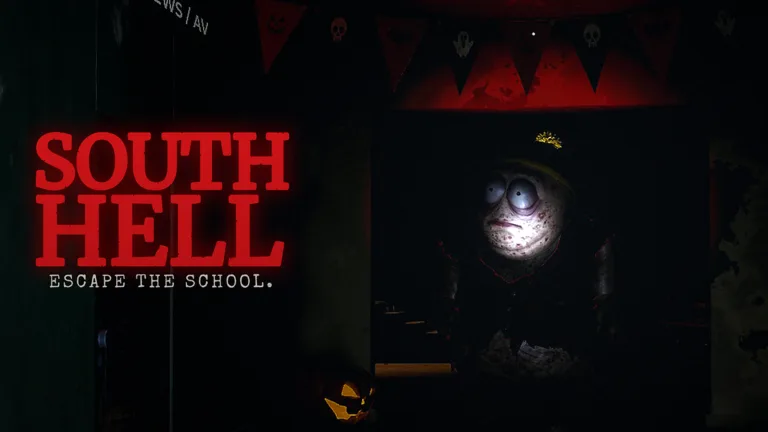
How Do You Reach the Ending?
The South Hell ending requires getting out of the school, but a jammed exit can send you back into the halls. Finding the keys gets you close; watching the objective keeps you from stopping too soon. The run ends when you escape, with your completion time displayed.
Your main objective is to search lockers, collect four keys, and use them at the locked exit. When the door jams, the objective changes to finding crank parts. Keep working through that task until the exit opens, then make your way out.
The important distinction is between reaching the door and completing the escape. Stay alert for the next instruction when you return with the final key.
Official page: South Hell (roblox.com)
Clear the Boards and Find the Four Keys
Start by checking the route out of the basement. When boards block the way, find the crowbar and use it to remove them. Once the passage is clear, begin searching the school.
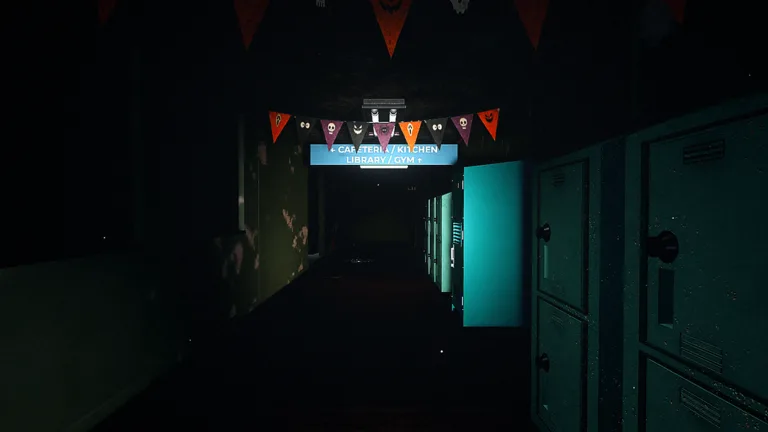 Image: Roblox / S00NR
- Search lockers throughout the halls and rooms. Keys are among their contents, alongside supplies such as batteries.
- Listen for jingling. Lockers containing keys make a jingling sound, giving you something more useful to follow than another row of identical doors.
- Return keys to the exit. Use each key at the locked door rather than carrying it around while searching indefinitely.
- Coordinate the remaining search. Ask teammates whether they are carrying a key before everyone searches the same rooms again.
Learn the return route while your flashlight still has charge. Use room signs and familiar intersections to orient yourself; wandering with a key becomes much harder once darkness and hallucinations interfere.
Open lockers can help you recognize areas you have already visited. Split the search with your teammates instead of following each other through the same hallway.
What to Do When the Exit Door Is Jammed
If you reach the exit and receive the jammed-door objective, turn back and search for crank parts. Repeatedly trying the locked door will not complete the new task.
 Image: Roblox / S00NR
Look for white-highlighted objects on the floor. Search with your flashlight aimed low enough to catch those objects, rather than continuing to inspect only lockers.
Divide the school into separate search routes with your teammates. Call out which rooms you have covered and watch the remaining objective together. Searching separately gives each person somewhere useful to check without crowding the same corner.
Follow the current objective’s wording and remaining count. Once the message says the exit is open, return to the exit route. The maintenance area is a useful landmark on the final approach.
Keep enough stamina available for that return trip. Finding the last required object still leaves you with the task of reaching the door while Cartman is nearby.
Stay Alive During the Final Search
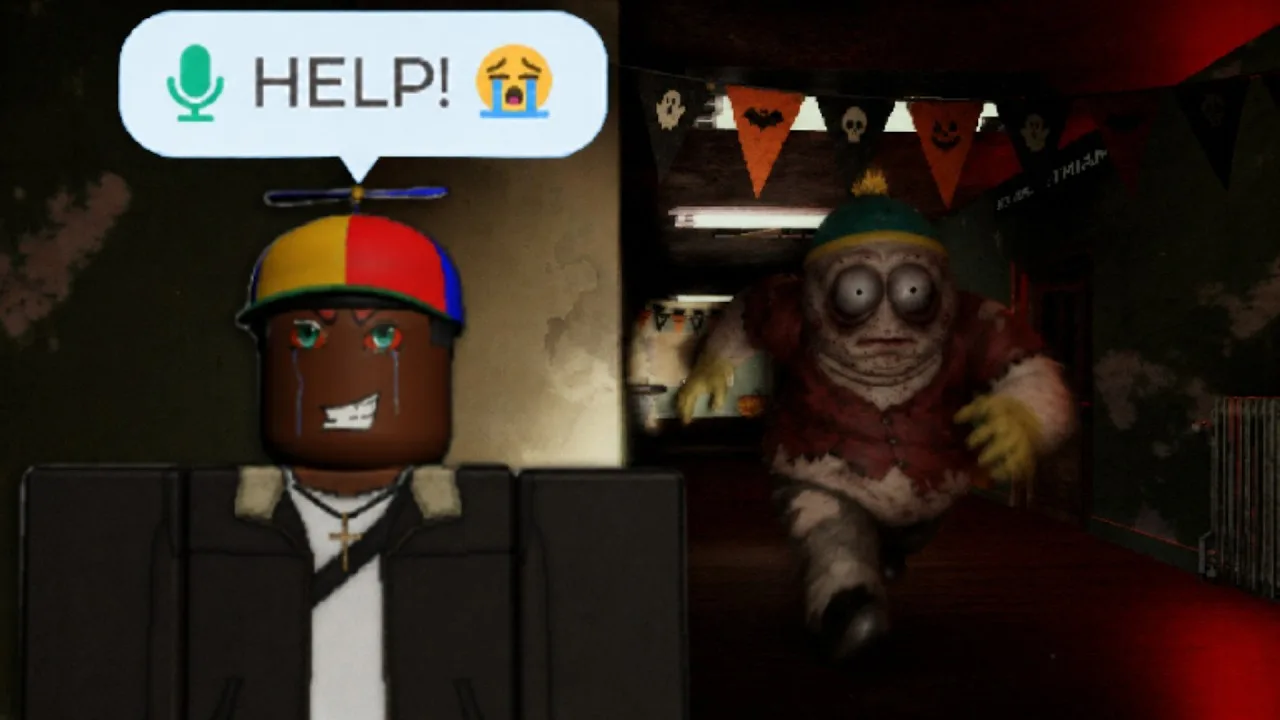
The last stretch combines navigation, limited light, and a pursuer who can hear your microphone. Reduce unnecessary noise and keep your attention on the escape objective.
- Avoid broken glass. Stepping on it creates noise.
- Keep your mic quiet near Cartman. Open-mic chatter can give away your position.
- Move away from Ike. His screaming adds another hazard while you search.
- Break away before hiding. Entering a locker directly in front of Cartman lets him pull you out.
- Follow the hiding prompt. Staying inside a locker involves clicking the displayed circle.
- Collect spare batteries. Darkness increases insanity, and the resulting hallucinations make navigation harder.
- Restore power when instructed. The fuse box is in the basement.
Bear traps and alarm clocks provide ways to interrupt or redirect a chase. Place an alarm clock ahead of time: its activation delay makes it a poor substitute for an immediate escape route.
Keep a useful supply available for the trip back instead of using everything during the search. If a required object refuses interaction or the objective stops progressing, use the mailbox in the lobby to report the bug, including the task you were completing.
Continue exploring
South Hell Cartman Guide: How to Survive and Escape
Survive South Hell Cartman with tips for hiding, finding keys, managing your flashlight, and using distractions. Learn how to reach the school exit alive.
South Hell Roblox Guide: Keys, Escapes, and Team Tips
See how to escape in South Hell Roblox with tips for finding keys, managing flashlight power, avoiding Cartman, and keeping your team focused on the exit.
Join the community
Official channels for news, updates and player help: